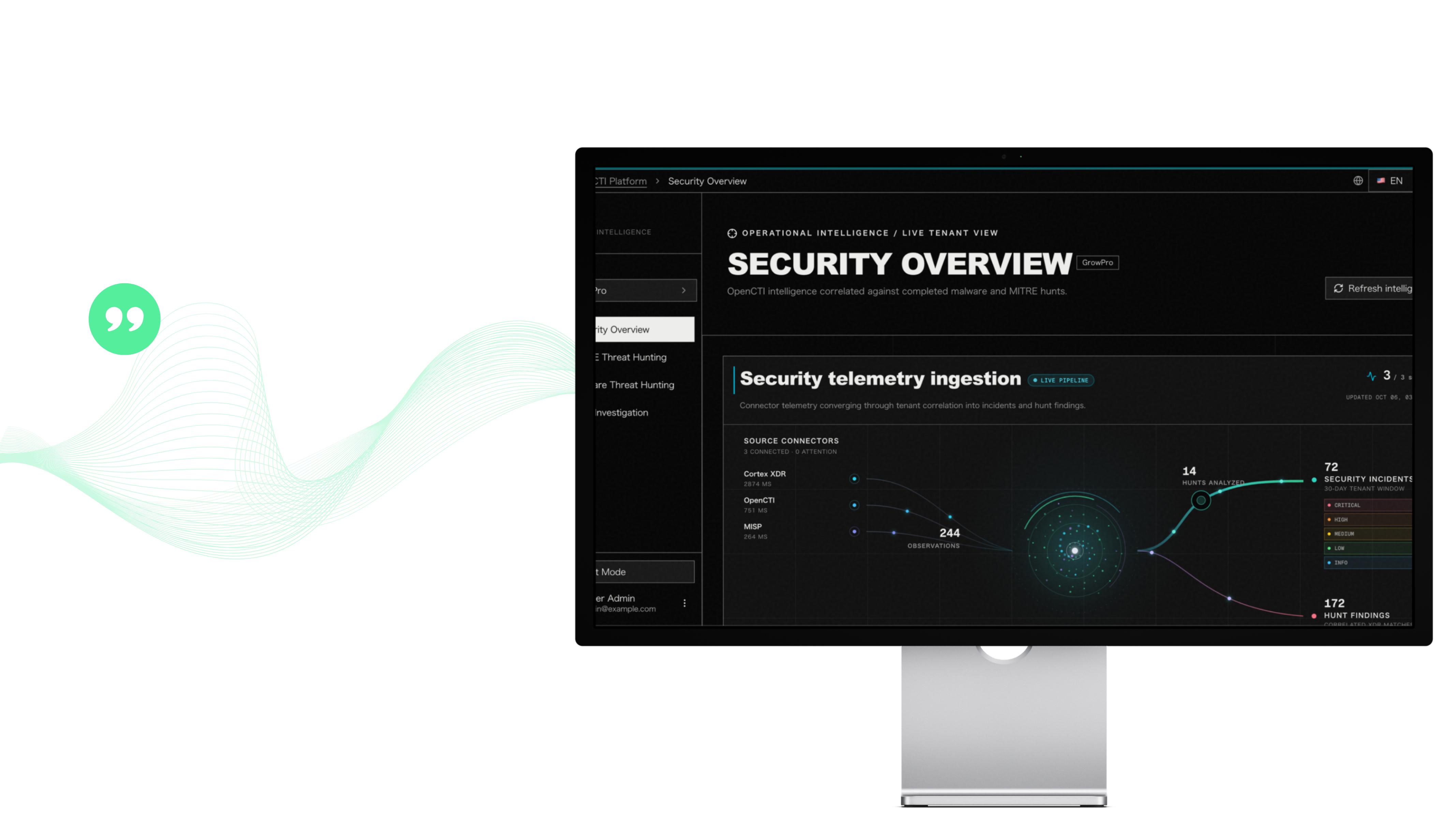
Catch advanced attacks
that bypass controls


Bring malware intelligence, MITRE ATT&CK context and endpoint evidence into one analyst workspace. Help your team review potential matches, follow the investigation context and decide what deserves a closer look.
Explore intelligence • Review hunt evidence • Connect investigation details
Take advantage of 24x7 threat hunters to investigate and notify you of suspicious behavior early in the attack chain.
that bypass controls

before they become incidents

with expert threat hunters
THE SECURITY CHALLENGE
A malware report or ATT&CK technique can suggest what to look for. Your team still needs to assess whether the intelligence relates to activity in its own environment, review the available endpoint evidence and connect relevant details before deciding what to investigate next.
Threat intelligence, endpoint alerts, process activity and investigation records each answer part of the same question. When analysts review them separately, it can take more effort to understand how the evidence fits together.
A matching observable can be a useful lead, but it does not by itself confirm an infection or incident. Analysts need to consider details such as the host, user, process, time and source before drawing a conclusion.
“
PRODUCT OVERVIEW

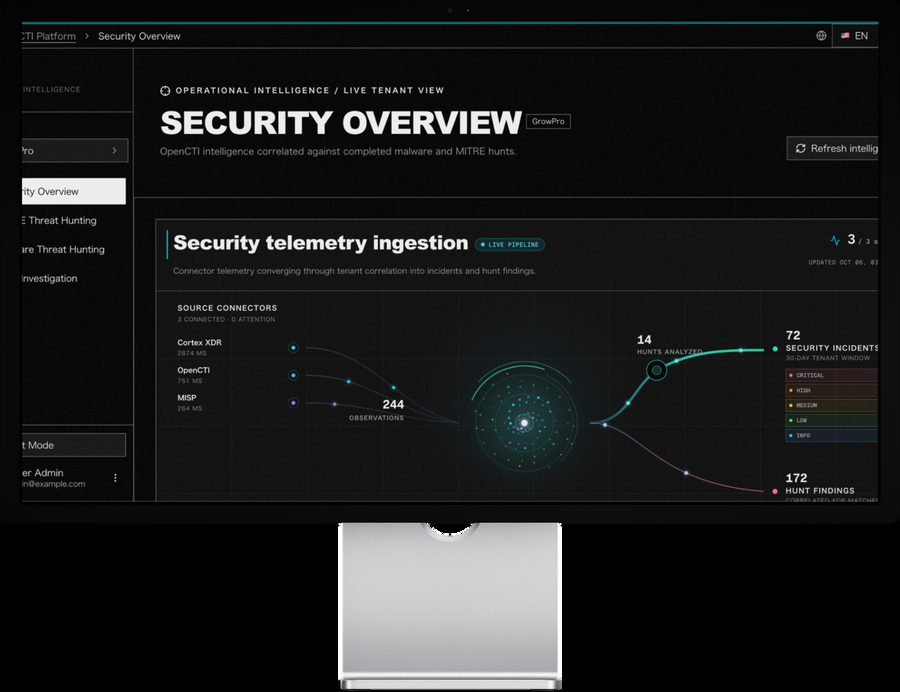
CSOC Center CTI brings malware intelligence, MITRE ATT&CK context, saved hunt results and investigation views together for security analysts. Teams can explore relevant intelligence, review potential endpoint matches and follow connected activity through case graphs, timelines and evidence records.
The workspace gives analysts a practical starting point for examining what the available evidence shows and planning the next step with their SOC or incident response team.
BENEFIT

Explore malware and technique intelligence, including observables, ATT&CK associations and supporting references. Use that context to select a hunt target and a relevant time window.

Examine saved hunt results alongside available endpoint or alert details. Fields such as time, host, process, user and source can help analysts assess whether an observation needs further review.

Move through related case views to examine entity relationships, activity timelines and evidence details. Source, collection time and hash information help the team understand what supports its review.
HOW IT WORKS
Each stage helps analysts move from understanding a threat to reviewing evidence and planning follow-up. Analysts remain responsible for validating findings and directing the investigation.
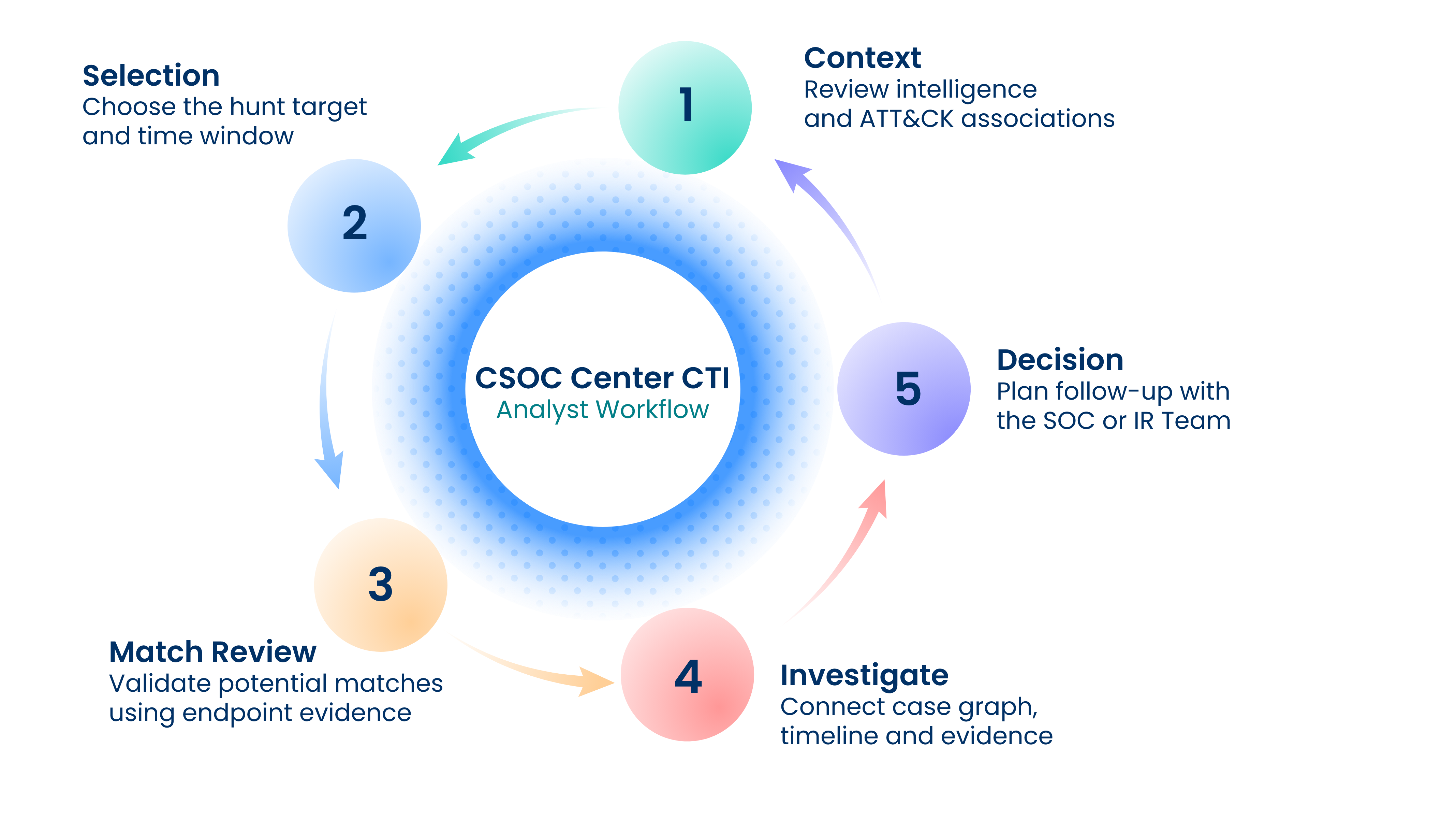
A guided workflow connecting threat intelligence, hubs selection, evidence review and investigation context to support analyst decisions
Illustrative workflow. Potential matches require analyst validation. This is a conceptual analyst workflow, not a backed architecture or certified methodology.
PLATFORM CAPABILITIES
Review connector health, recorded hunt activity, affected assets and reconciliation against the active endpoint inventory.
Search techniques and inspect tactics, malware associations, procedure examples, mitigations and source references.
Review saved alert matches with time, alert, host, category and severity details, alongside the hunt window and execution history.
Explore a searchable malware collection with observable patterns, confidence information, STIX metadata and ATT&CK associations.
Inspect available host, user, process, remote IP and source details in saved malware hunt results.
Review case priorities, entity relationships, activity timelines and evidence source, collection time and hash metadata.
PRACTICAL USE CASES

Select a technique, review its context and inspect saved alert results for the chosen hunt window. Assess affected hosts and severity to determine what needs follow-up.

Review a malware record and its observables alongside saved endpoint matches. Use the available process, user and network context to assess relevance.

Start with endpoint or suspected credential-exposure context. Explore the case priorities, connected entities, activity sequence and evidence records to guide further review.
INTEGRATION SCOPE
Cortex XDR, OpenCTI and MISP appear as sources in the reviewed platform. Cortex XSOAR is referenced in technique recommendations and incident matching. Availability, versions, licenses, permissions, telemetry access and query quotas depend on the agreed implementation.
| Service component | Role to scope |
|---|---|
| XDR | Endpoint inventory, hunt telemetry, alert results and investigation evidence. |
| CTI | Malware intelligence, observables, STIX context and technique associations. |
| MISP | An intelligence source connector in the operational overview. |
| SOAR | Technique recommendations and incident matching context. |
FREQUENTLY ASKED QUESTIONS
 Does a potential match confirm an infection?
No. Treat a potential match as a lead for analyst review. Consider the surrounding endpoint, alert and investigation context before making an incident determination.
What does MITRE ATT&CK visibility mean in CSOC Center CTI?The platform shows technique links to malware and intelligence records to help analysts explore context. These associations do not represent validated detection coverage.
Who is the platform designed for?CSOC analysts, threat hunters and incident responders who need to explore threat context, review hunt evidence and examine connected investigation details.
Which integrations are available?Integration availability and requirements depend on the implementation scope. Confirm supported versions, licenses, API access, telemetry and query limits with the Growpro team.
FINAL CALL TO ACTION
See how CSOC Center CTI can fit your team’s threat hunting and investigation workflow. Talk with Growpro about a demonstration and the integration scope for your environment.
Request a demo
We bring practical expertise and a supportive partnership to the teams responsible for security every day.